Patient records
The Patients page is your clinic's filing cabinet — one record per patient, holding everything you know about them: who they are, how to reach them, what's happened with them at your clinic.
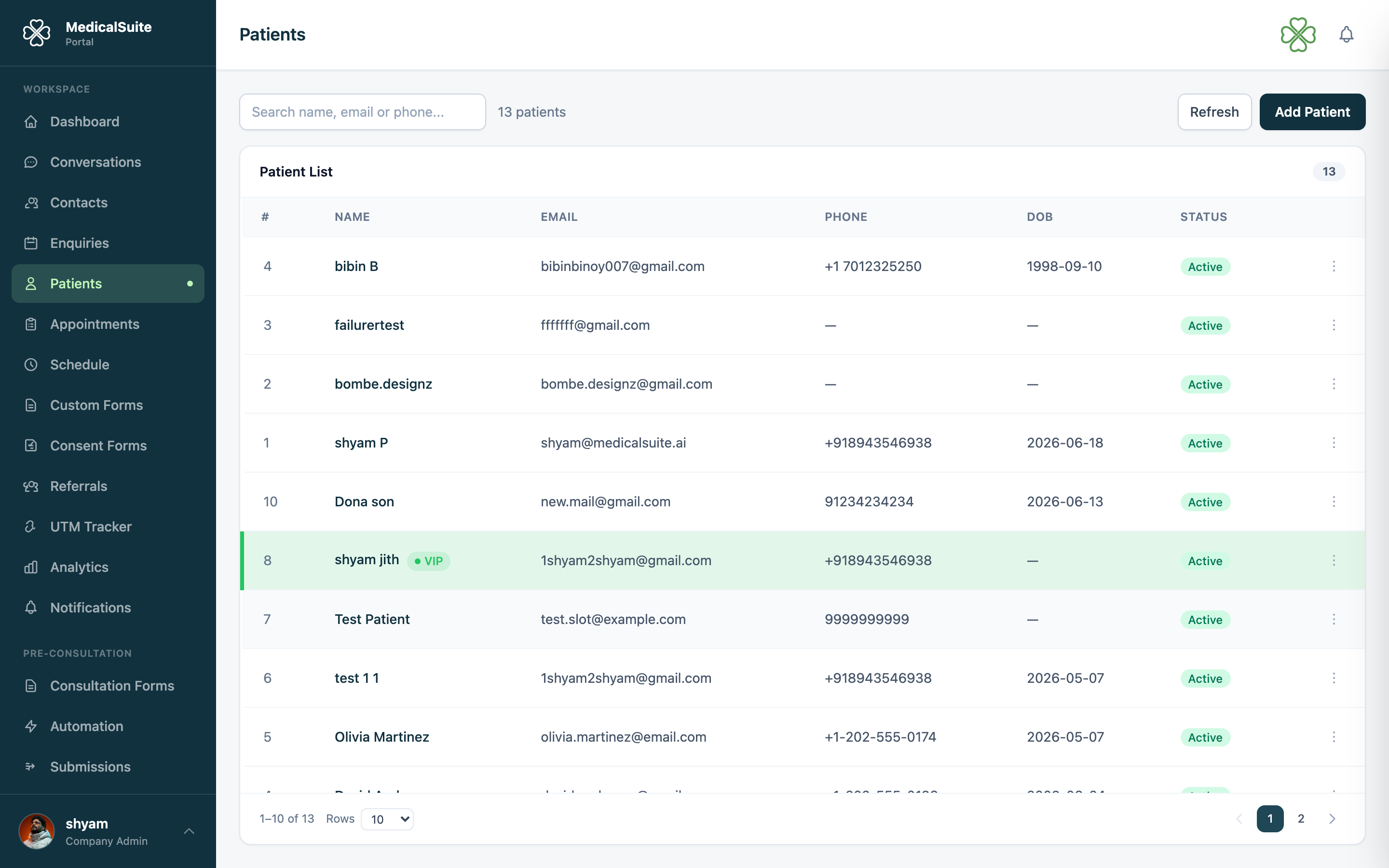
What a patient record holds
- Identity — name, prefix, pronouns, date of birth, gender.
- Contact — phone, email, address. Keep these right — confirmations, reminders, and invoices all go to what's written here.
- Emergency contact — who to call if something happens.
- Insurance — the patient's insurance provider and details.
- Appointments — their full visit history, past and upcoming.
- Documents — uploaded files: referral letters, test results, ID copies (more).
- Metrics — health readings tracked over time, with graphs (more).
- Consents — consent forms they've signed (more).
Three ways a patient gets created
- You add them by hand — Patients → New Patient, fill the form, Save. Only name and contact details are essential; everything else can wait.
- From an enquiry — when a lead becomes real, you convert the enquiry and the patient record is made from the details they already gave. This is the usual route.
- From your website — someone books through the booking widget; their record is created automatically.
Finding a patient fast
Use the search box on the Patients page — type any part of the name, phone, or email. From a patient's record you can jump straight to booking them an appointment.
Editing
Open the patient → Edit → change what you need → Save. Every change is written to the Activity Log (who changed what, and when) — so nothing goes missing silently.
Common questions
We have the same person twice. It happens when someone was added manually and also came through the website. Pick one record to keep, move anything important onto it, and ask an admin about the duplicate. The enquiry convert flow detects duplicates to prevent this.
Patient changed phone number — where do I update it? On their record — Edit → phone. From then on, all reminders and confirmations use the new number.
Can doctors see all patients? Doctors see their own patients (My Patients in their portal). Staff and admins see all.