Consent forms & electronic signing
What it is: paper consent forms, minus the paper. You author the consent document once; patients sign it electronically from their phone or computer via a secure personal link; the signed PDF files itself on their record. No printing, scanning, or chasing.
Creating a consent document (admins)
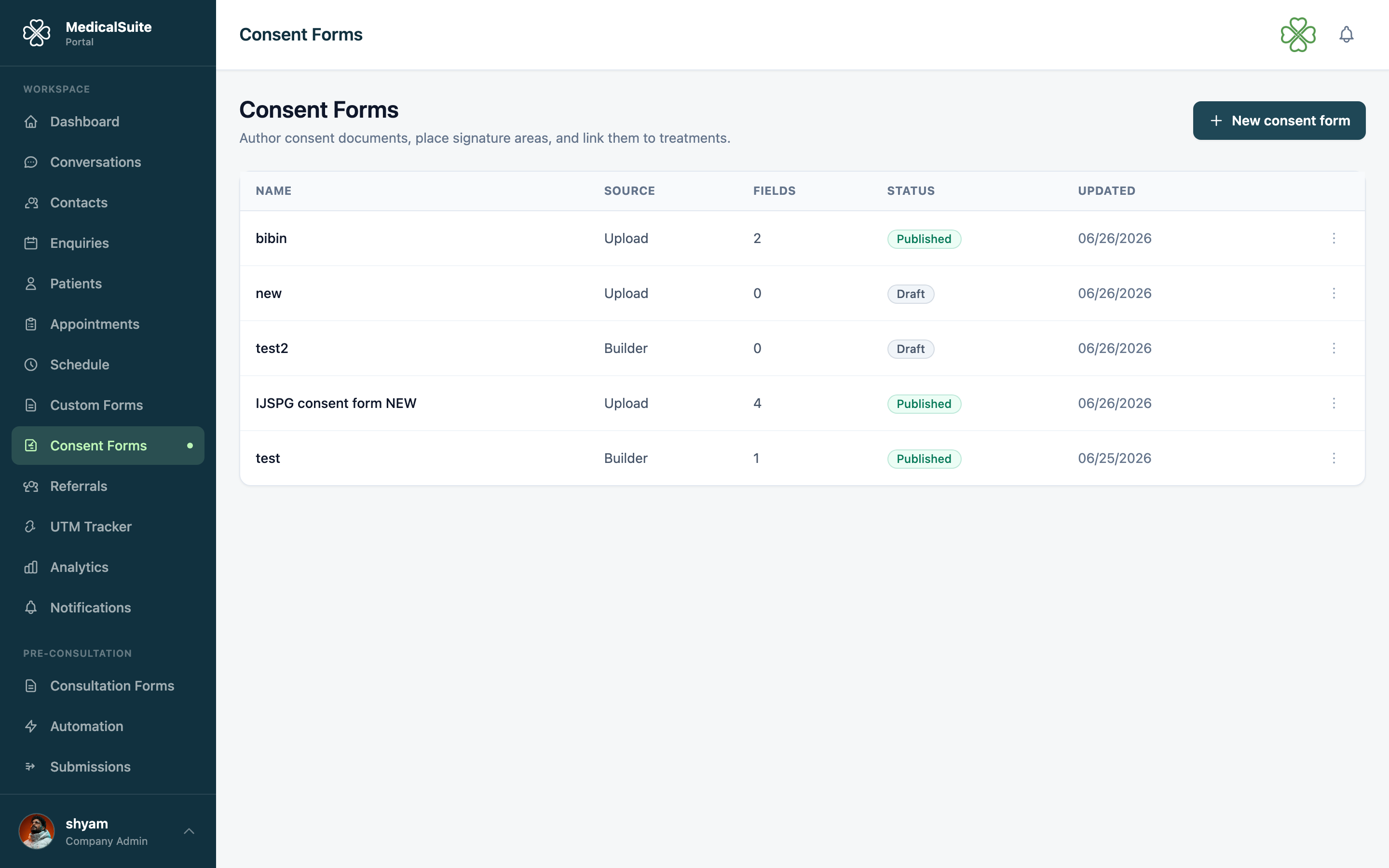
- Open Consent Forms → New.
- Write the document — the consent text your clinic uses today, laid out as it should appear. It becomes a proper PDF.
- Place the signature areas — where the patient signs, and (if your clinic requires it) where a staff member co-signs.
- Save. The document is now a reusable template — send it to as many patients as needed, forever.
Sending it to a patient
- Choose the recipient(s) — from the consent form or the patient's record. You can send to many patients at once (e.g. a policy update everyone must sign).
- Each patient receives an email with their own secure signing link.
About that link — this matters:
- It's personal — it opens only that patient's copy. Links can't be swapped or guessed.
- No login needed — the patient doesn't have an account and doesn't need one. Click, read, sign. This is why elderly or non-technical patients manage fine.
What the patient does
- Opens the email, taps the link.
- Reads the document on their screen.
- Signs with their finger (phone) or mouse (computer).
- Done — they can be told a copy is on file.
Co-signing (if required)
If the template includes a staff signature, the form comes back to your side after the patient signs, and the designated staff member signs their part in the portal. Only then is it complete.
Tracking who has signed
The consent form's list shows every recipient and where they stand: sent → viewed → signed → co-signed. Chase the stragglers with a phone call; you can resend the link anytime. Signed PDFs live on the patient's record, ready to show at any audit.
Cancelling or removing a request
Two different actions, on the patient's Consent tab and on the Enquiries page's Consent Forms tab:
- Void revokes the signing link but keeps the record, marked voided. Use it when a form was sent by mistake or is no longer needed.
- Delete removes the request from every list. Use it for test entries and duplicates. You'll be asked to confirm, and it can't be undone from the portal.
Delete only shows for roles with the consent delete permission. Deleting a request doesn't touch the template it came from.
Common questions
Is an electronic signature valid? Widely accepted, yes — the system records who signed, when, and stores the signed document unchanged. (For your jurisdiction's specifics, ask your legal advisor.)
Patient says the link doesn't work. Resend it — a fresh email with a fresh link. Check their email address on the record first; a typo there is the usual culprit.
I deleted a signed consent by mistake. It can't be restored from the portal. Send the patient the template again so a fresh signed copy is on file.
Patient has no email at all. Open their signing link on a clinic tablet and let them sign in person — same legal record, zero paper.