Invoices & payments
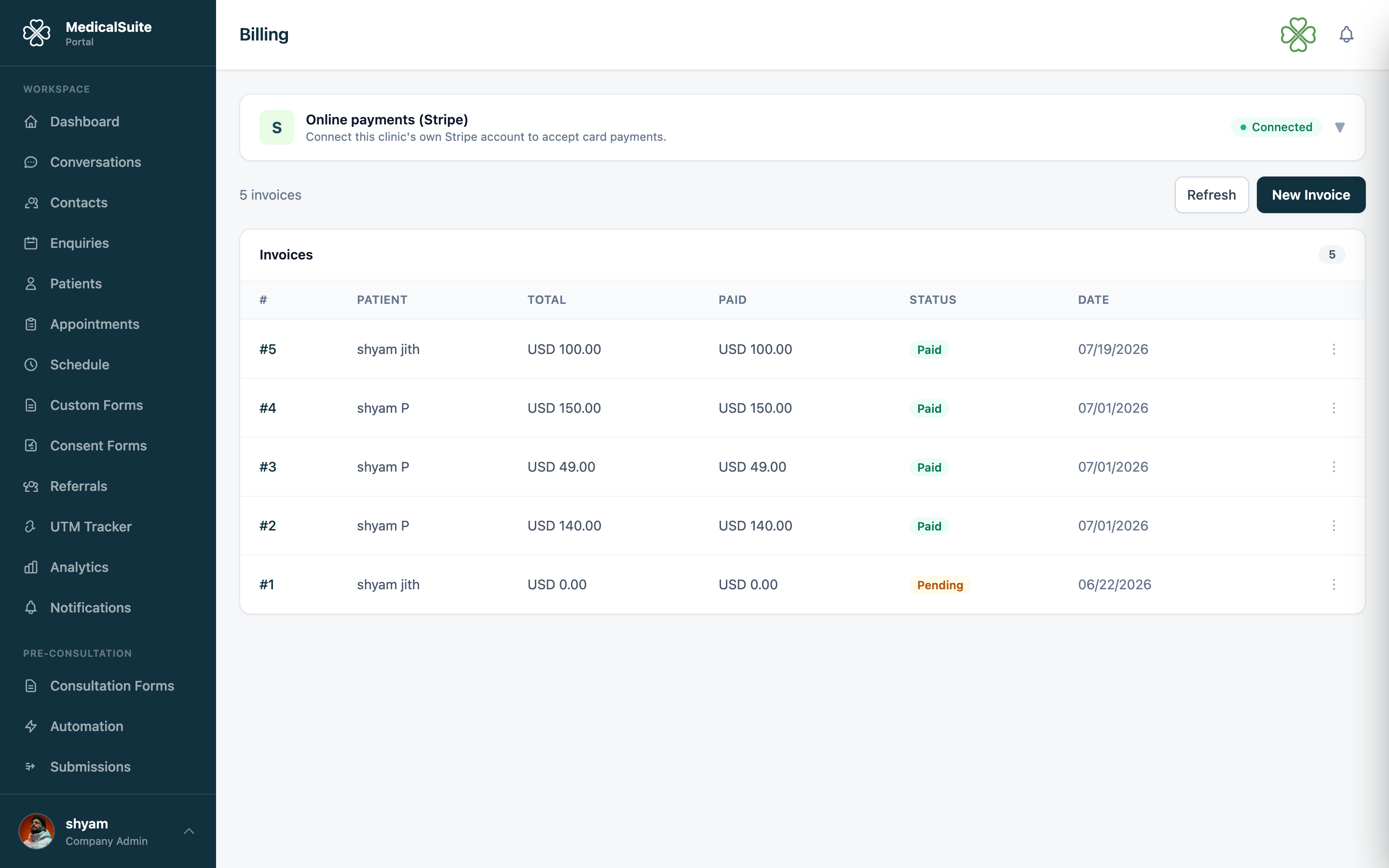
What it is: how money is asked for and recorded. An invoice says who owes what for what; payment marks it settled — by card online, or cash/transfer recorded by hand.
Creating an invoice
- Open Billing → New Invoice (you can also invoice from a patient or appointment, arriving with details pre-filled).
- Pick the patient.
- Add line items — one row per thing being charged: description, quantity, price. A consultation, a treatment, a product — anything.
- Add tax if applicable, check the total.
- Save and send — the patient receives the invoice by email.
Getting paid
With Stripe connected — the emailed invoice includes a pay online option; the patient pays by card from home; the invoice flips to Paid by itself. No bank statement detective work.
Cash / bank transfer — take the payment as usual, then open the invoice and record the payment so the books are straight.
Invoice life cycle
Draft (being written, patient hasn't seen it) → Sent (delivered, awaiting payment) → Paid ✅. Overdue invoices are your chasing list — filter by status, then a friendly SMS with a payment link usually does it.
Made a real mistake on a sent invoice? Void it and issue a fresh one — voiding keeps the paper trail honest rather than editing history.
Memberships and invoices
Sessions covered by a patient's membership don't generate separate invoices — that's the point of the plan. Invoices are for everything outside coverage.
Common questions
Patient wants a copy of an old invoice. Open it in Billing and resend to their email.
Can we part-pay / split payments? Record what's paid against the invoice; the remainder stays outstanding.
Refunds? Card refunds are handled through Stripe by an admin; record the outcome against the invoice so the record matches reality.