Smart referral forms (with conditional questions)
What it is: a question-by-question referral form that adapts as it's filled in — answer "Yes" to a question and related follow-ups appear; answer "No" and they stay hidden. The person filling it only ever sees questions that apply to them. Every completed form produces a clean, branded PDF.
Why conditional questions matter
A traditional referral form shows all 40 questions to everyone — most irrelevant, all daunting. A smart form might start with "Is this referral urgent?" — and only when the answer is Yes ask "describe the urgency". Shorter forms, better answers, fewer abandoned halfway.
Building one (admins)
- Open Referrals and create a new referral form.
- Add questions — text, email, phone, choices, dates, checkboxes. Email and phone questions only accept a properly formatted address or number, and phone questions include a country-code picker, so contact details arrive usable. For choice questions, type the answer choices in the Options box, one per line.
- Add conditions — the smart part. For any question, set when it appears: "show this question only if Question 2 = Yes". Chain as many as you like.
- Branding — your clinic's logo and colors go onto the generated PDF automatically. An individual form can override the company branding (useful for a service line with its own look).
- Publish, and share the form's link with whoever refers to you.
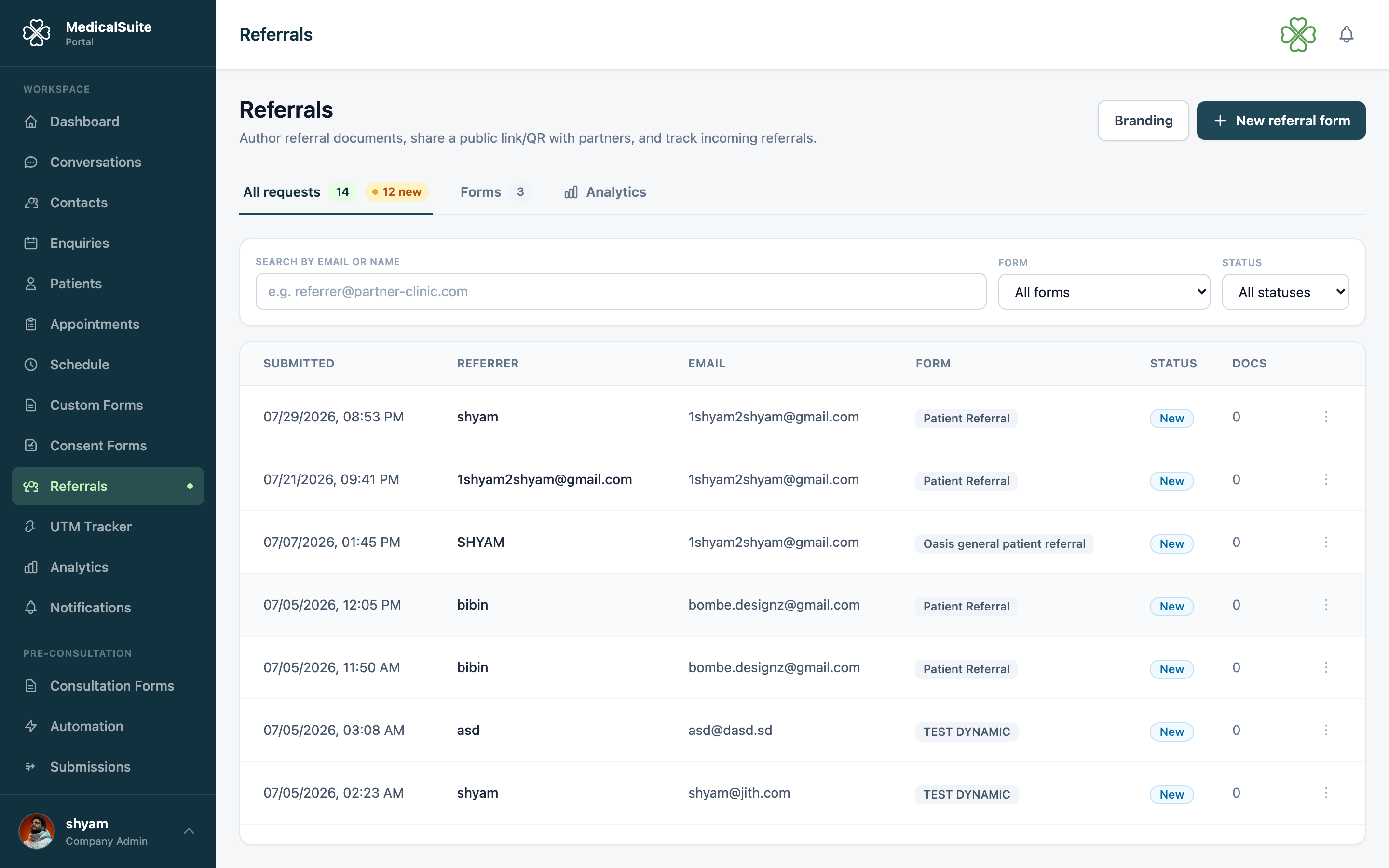
What happens when someone submits
- Their answers are turned into a branded PDF — logo, colors, tidy layout — instantly, automatically.
- The submission appears in your Referrals list for staff to review and act on.
Common questions
How is this different from the partner referrals module? Same family, two doors: this page is about building smart forms and their PDFs; Partner referrals covers the flow around them — how partners submit and track their referrals with a one-time code.
Can I edit a form that's already live? Yes. Existing submissions keep the form as it was when they answered.
Who can see submissions? Your staff, in the Referrals area — submissions are internal.