My Calendar & My Appointments (doctors)
When you log in as a doctor, you don't get the whole clinic's admin screens — you get your workspace: My Calendar, My Appointments, My Patients, My Enquiries, My Schedule, Integrations, My Profile. This page covers the first two — your working day.
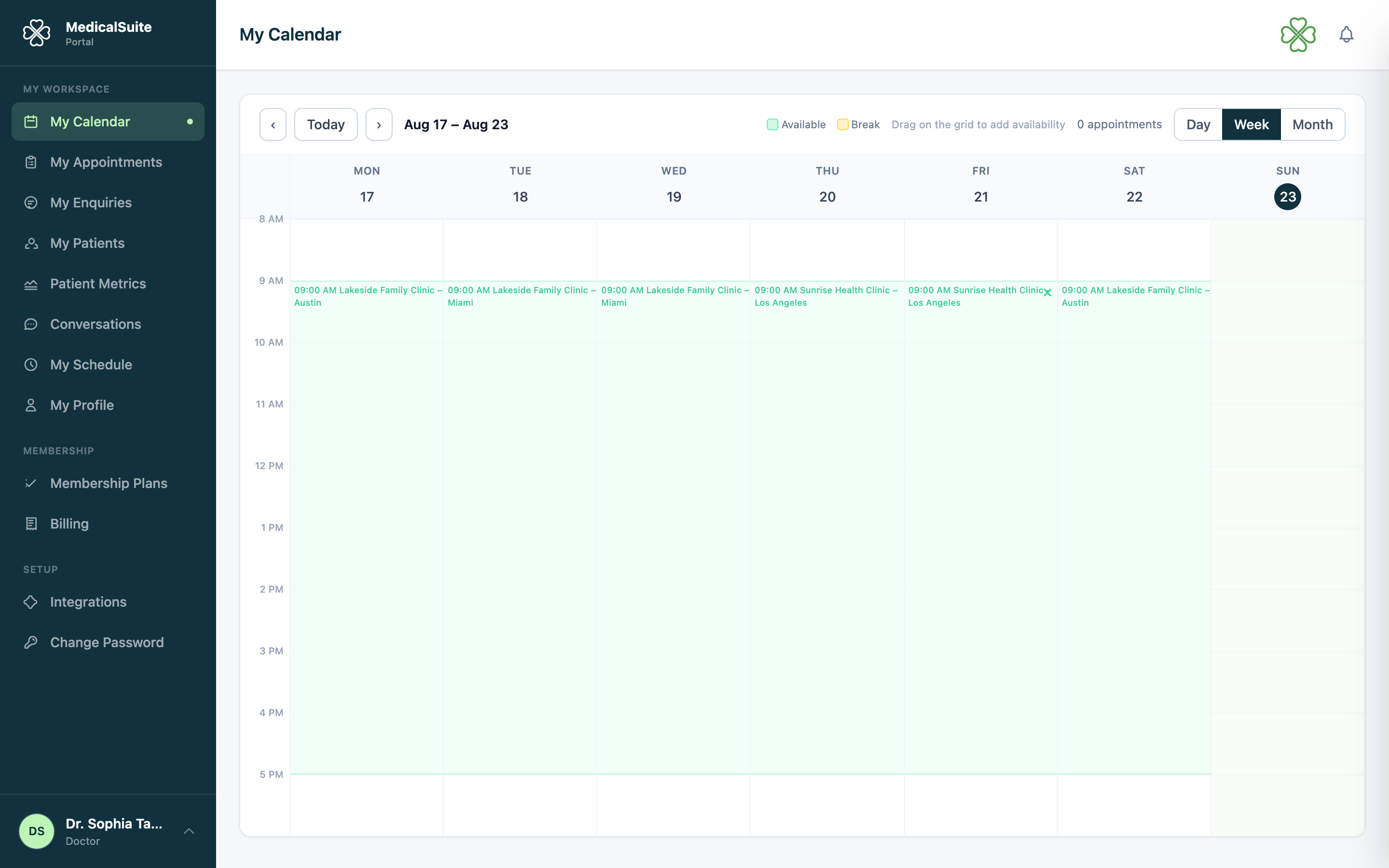
My Calendar — your day at a glance
- Day view is your planner: today's appointments in order — who, what treatment, when, in-clinic or video.
- Video appointments show their join link — one click when it's time.
- Flip to week view to see how the week is shaping up.
The appointment drawer — everything about a visit
Click any appointment and a panel slides open with what you actually want to know before the patient walks in:
- patient name and contact details,
- the treatment booked and any notes front desk added ("returning patient, knee pain"),
- mode — and for online visits, the video link,
- the patient's previous appointments with you — so you remember where you left off without asking them to repeat themselves.
Need a booking moved? Send a reschedule request
Doctors don't move bookings directly — front desk does, so patients are properly informed. From the appointment, send a reschedule request with your reason; front desk picks a new slot and the patient is notified automatically. You'll see the updated time on your calendar.
My Patients & My Enquiries
- My Patients — records of patients you treat: their details, history, documents, health metrics.
- My Enquiries — enquiries assigned to you.
You only ever see your own patients and bookings — never another doctor's.
Common questions
An appointment appeared/disappeared without warning. Front desk books and reschedules in real time — your calendar always shows current truth. The drawer shows the details.
Can I book a patient myself? Booking is front desk's job in most clinics — ask them, or send a reschedule request for changes to existing bookings.
Times look wrong. Set your timezone: Settings → My Timezone.